



How to Get a Verified Meta Business Manager (2026)
Ever notice how some Business Managers seem to sail through ad reviews while others get flagged for the smallest thing?
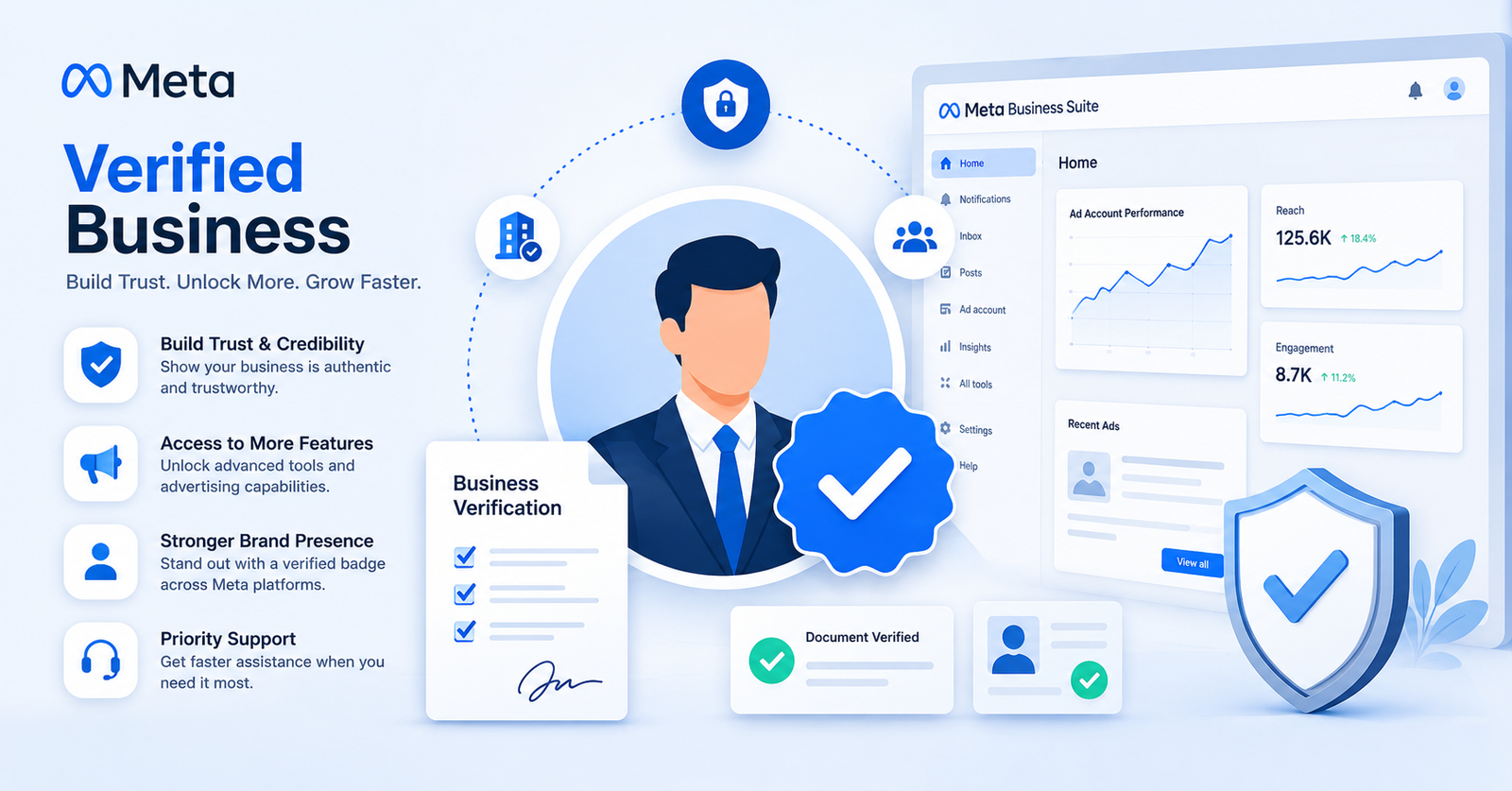
That's rarely luck. A verified Meta Business Manager sits in a different tier than an unverified one, and Meta treats it that way from the very first campaign you launch.
Verification isn't just a checkbox buried in your settings. It's the thing that tells Meta you're a real business, not a random account someone spun up overnight.
So what does getting verified actually involve? Less than you'd think, honestly — but the steps have to be done in the right order, or you'll end up stuck in a rejection loop.
This guide walks through exactly what a verified Meta Business Manager is, why it matters more than most advertisers realize, and how to get through the verification process without the usual headaches.
Grab a coffee — this won't take long to read, and it'll save you a lot longer trying to figure it out through trial and error.
Skip the Verification Wait Entirely
Run campaigns on a Vnox Media agency account that's already trusted by Meta.
Quick Key Stats
Here's the short version before we get into the details.
What Is a Meta Business Manager, Exactly?
Think of it as the control room for everything you do on Meta. Your ad accounts, your Pages, your pixels, your team members — it all lives inside one Business Manager.
Before Business Manager existed, people ran ads straight from their personal Facebook profile. Messy, right? One login controlling both your friend's birthday photos and a $10,000 monthly ad budget.
A Business Manager separates the two. Your personal profile just becomes a way to log in — it doesn't own the assets anymore.
Here's the part most people miss, though: creating a Business Manager and getting a verified Meta Business Manager are two completely different things. Anyone can create one in five minutes. Verification is a whole other process.
Most advertisers don't even think about verification until something forces the issue — maybe an ad account hit its limit, maybe a client asked why campaigns keep pausing. By then, you're solving the problem under pressure instead of getting ahead of it.
That's really the whole point of this guide: get you set up before it becomes urgent, not after.
Why Verification Matters for Your Business Manager
An unverified Business Manager works fine — until it doesn't. Small spend, no issues. Push past a certain threshold, and Meta starts asking questions.
A verified Meta Business Manager answers those questions before they ever get asked. Meta already knows who you are, so it doesn't need to interrupt your campaigns to find out.
There's also the ban risk to consider. If your account ever gets flagged, an unverified Facebook ad account can get disabled a lot faster, and appeals tend to drag on longer without verification backing you up.
Want to run more than a handful of ad accounts under one Business Manager? Verification is basically mandatory at that point. Meta caps unverified accounts much lower than verified ones.
Step-by-Step Guide to Verify Your Business Manager
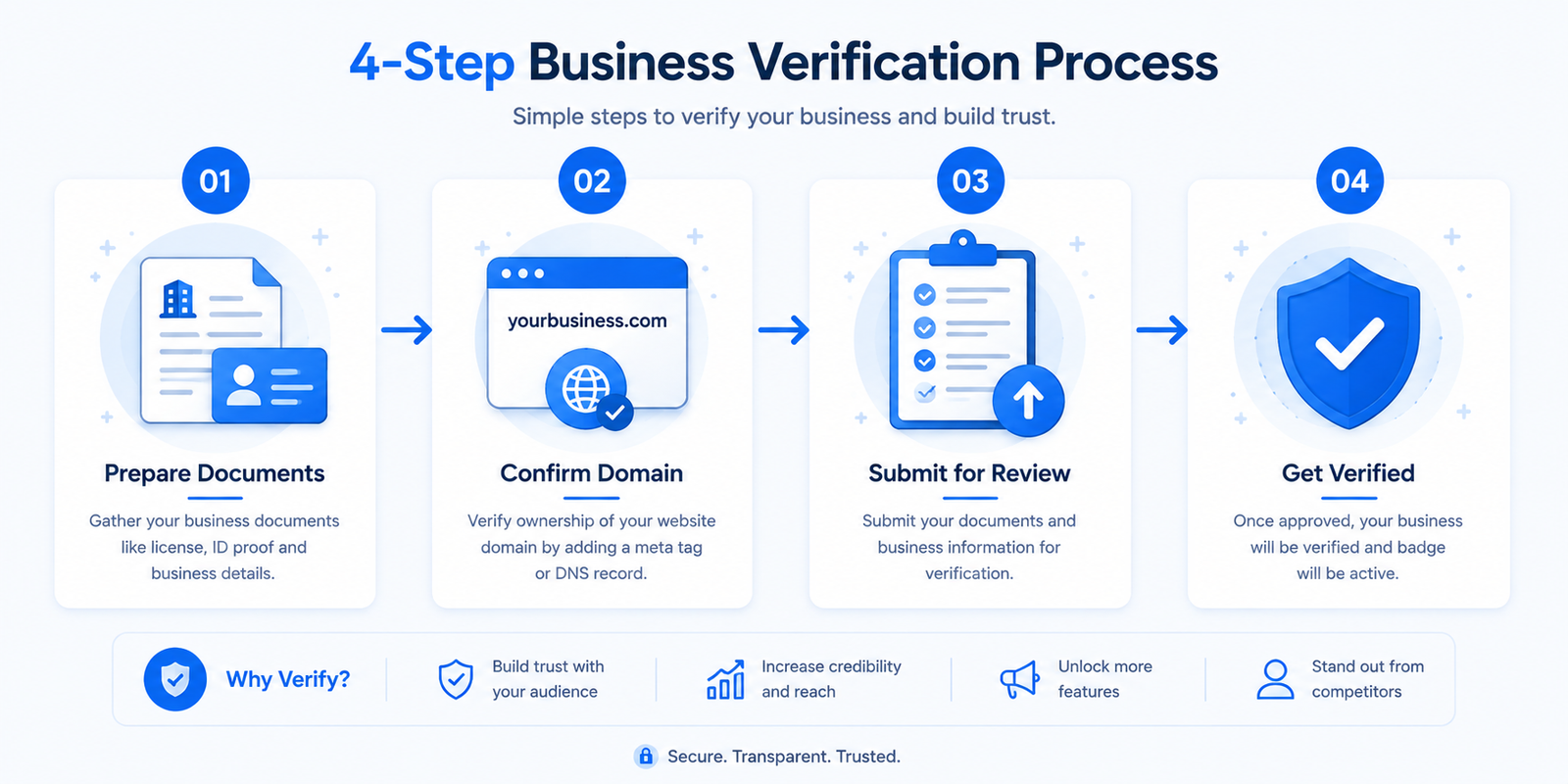
Here's the process, broken into the order that actually works.
What Documents Do You Actually Need?
Just one, in most cases. Pick whichever you can get your hands on fastest:
A business license, a certificate of incorporation, a recent utility bill in the business's name, or a government-issued tax document. Anything that clearly shows your legal business name and address will work.
Domain Verification: The Step People Forget
This trips up more people than you'd expect. Your website needs to belong to the same business you're verifying — no shortcuts here.
If you're not the one managing your hosting, this is the moment to loop in whoever is. It only takes a few minutes on their end.
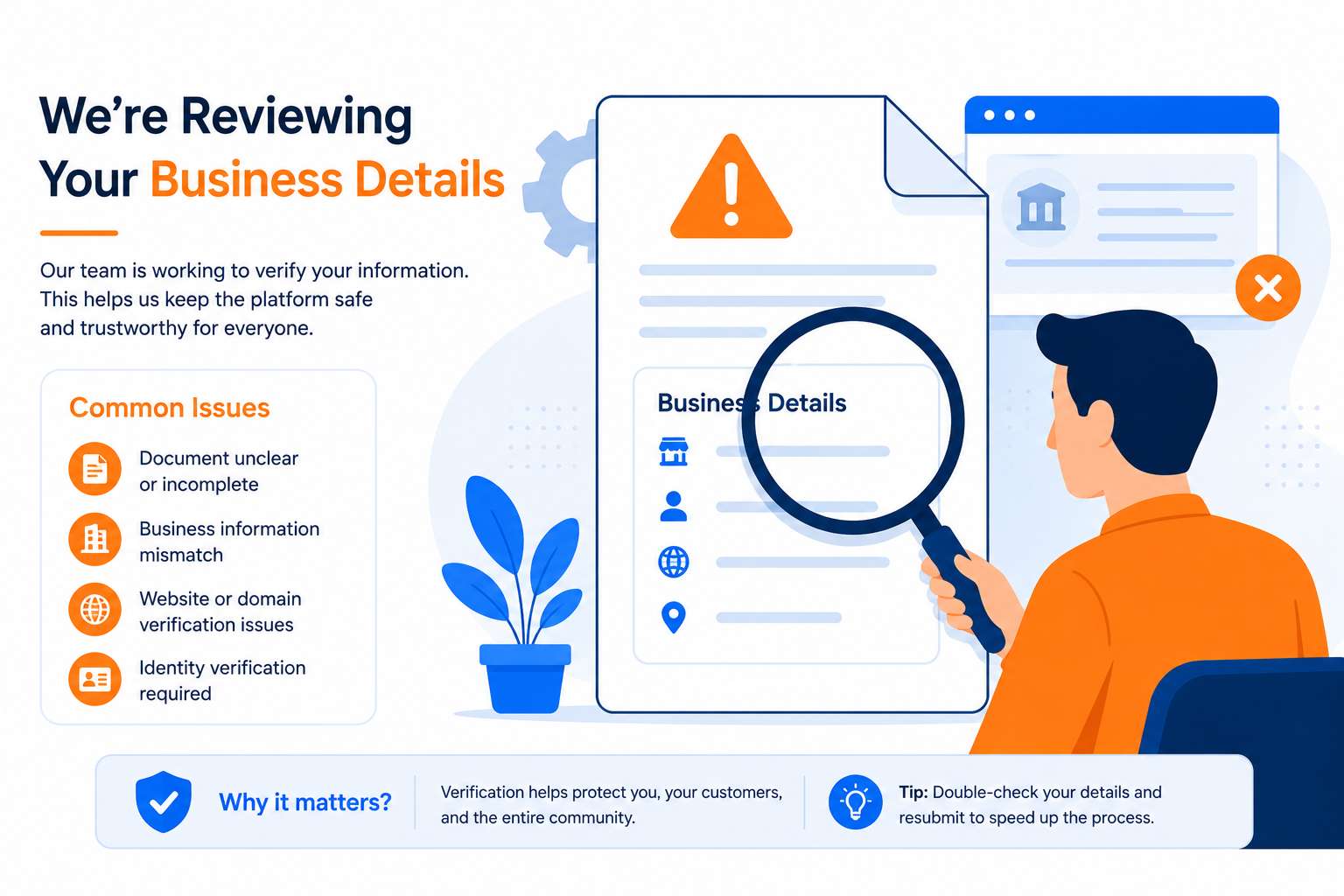
Common Reasons Verification Gets Rejected
Name mismatch. Your verified Meta Business Manager name has to match your legal documents letter for letter. "Vnox Media LLC" and "Vnox Media" can already be enough to trigger a rejection.
Outdated documents. A tax filing from three years ago won't cut it. Grab something recent.
Blurry or cropped uploads. Sounds obvious, but it's one of the most common causes. Make sure the whole document is visible and readable.
Domain ownership doesn't match. If the domain is registered under a different entity, expect a rejection until that's sorted out.
Don't Want to Handle Verification Yourself?
Get a fully verified Business Manager ready to run campaigns from day one.
Benefits of a Verified Meta Business Manager
So what do you actually get for going through all that? Quite a bit, as it turns out — a verified Meta Business Manager isn't just a nicer badge, it changes how the platform treats every decision it makes about your account.
| Factor | Unverified | Verified Meta Business Manager |
|---|---|---|
| Ad account limit | Low, often 1–2 | Much higher |
| Trust with Meta | Starting from zero | Established |
| Ban recovery speed | Slower appeals | Faster reviews |
| Client confidence | Looks unofficial | Looks legitimate |
| Access to Meta features | Limited | Full access |
That trust piece matters more than people give it credit for. A whitelisted ad account and a verified Meta Business Manager work hand in hand — one covers your account infrastructure, the other covers the business behind it.
Real Talk: Is Verification Worth the Hassle?
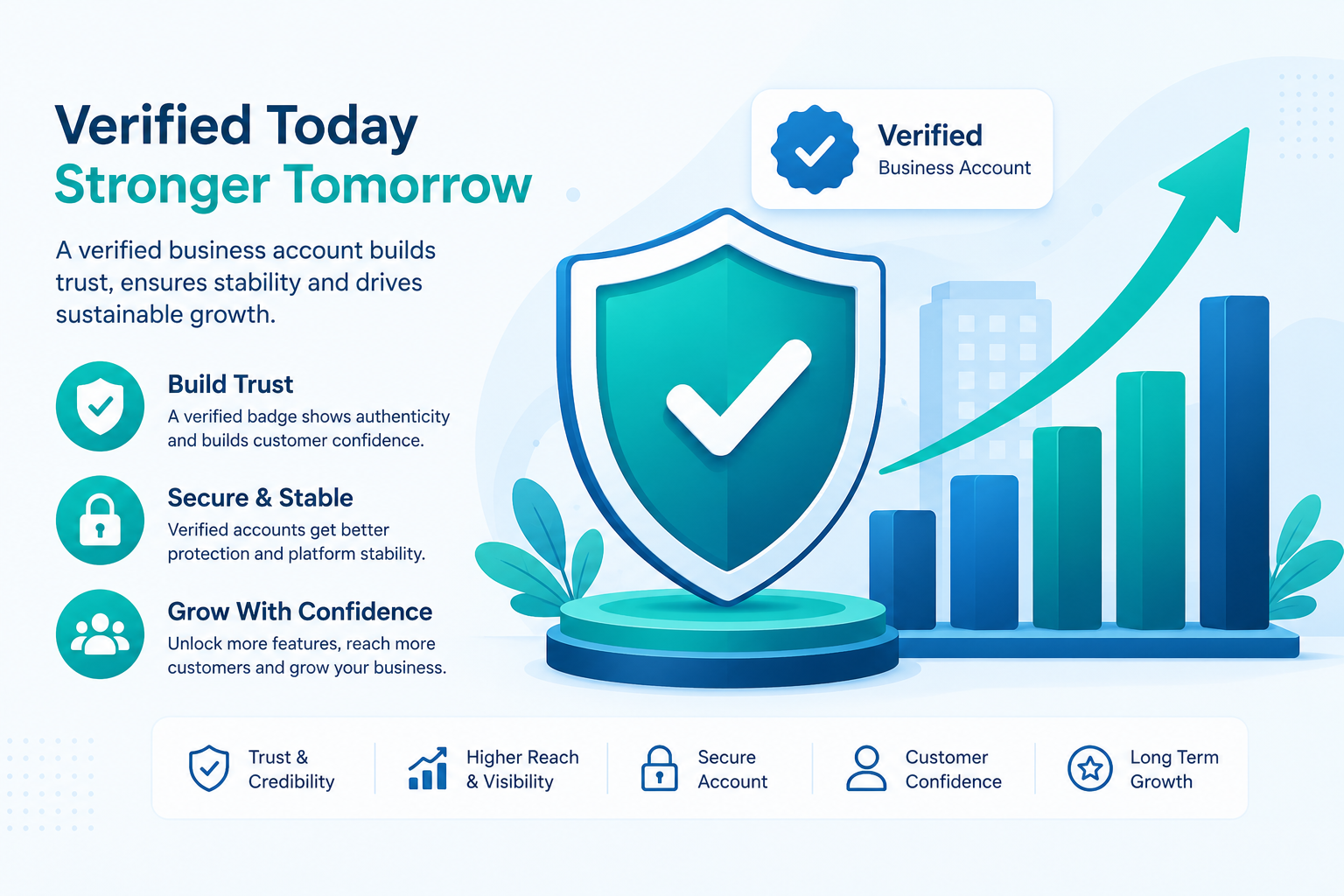
Short answer? Yeah, pretty much always. A verified Meta Business Manager is one of those things that pays off quietly, day after day.
Look, nobody enjoys hunting down old tax documents or fiddling with domain records. It's tedious. But compare that afternoon of mild annoyance to what happens if your ad account gets flagged and you're stuck appealing without a verified Meta Business Manager backing you up.
One scenario costs you an hour. The other can cost you days of paused campaigns, and if you're managing client budgets, some awkward conversations too.
The only advertisers who can reasonably skip it are the ones running tiny, occasional campaigns where a temporary pause wouldn't really hurt anything. Everyone else? Just get it done early.
Verification vs. Whitelisting: Not the Same Thing
People mix these up constantly, so let's clear it up.
Verification proves who your business is. Meta checks your legal documents and domain, then marks the Business Manager as a verified Meta Business Manager. That's it — it's an identity check.
Whitelisting is different. It's about earned trust built up over time through consistent, policy-compliant spend, usually tied to an agency partnership rather than a one-time document upload.
A verified Meta Business Manager is the foundation. Whitelisted status is what you build on top of that foundation, usually after months of clean history — or instantly, if you're running through an established agency partner instead of starting from scratch.
What to Do If Verification Fails
Don't panic — it happens more than you'd think, and it's rarely the end of the road.
A Quick Story From the Trenches
Here's a pattern that shows up a lot: someone submits verification with their trading name — "QuickShip Deliveries" — but their actual registration papers say "QS Logistics LLC."
Rejected, every time, without exception. Meta doesn't know your brand name means the same thing as your legal name. It just checks the two against each other, mechanically.
The fix is almost embarrassingly simple once you spot it: just use the legal name during setup, and add the trading name somewhere else, like your Page name, instead.
Get a Verified Business Manager Without the Wait
Run your campaigns on agency infrastructure built to scale with Vnox Media — no rejection loops, no guesswork.
Get Started With Vnox Media →Conclusion
Getting a verified Meta Business Manager isn't complicated once you know the order of operations. Match your details exactly, submit clean documents, verify your domain, and give it time.
Where people get stuck is usually the small stuff — a mismatched name, a blurry upload, a domain registered under the wrong entity. Fix those, and most verifications go through without drama. For the official checklist straight from the source, Meta's own Business verification help page is worth a quick read before you submit.
Not sure if verification issues are already quietly hurting your account? A quick account health assessment can flag problems before they turn into a bigger headache.
And if you'd honestly rather skip the whole process, Vnox Media sets up fully verified Business Managers ready to run campaigns from day one.
Either way, don't let this sit on your to-do list for months. It's a one-afternoon task with a payoff that lasts as long as you keep advertising on Meta.
FAQs
How long does it take to get a verified Meta Business Manager?
Most straightforward submissions get reviewed within two to five days. Complicated cases, or ones needing resubmission, can stretch to a couple of weeks.
Is verification free?
Yes, Meta doesn't charge anything to get a verified Meta Business Manager. It just takes the right documents and a bit of patience.
Can I run ads without a verified Business Manager?
Sure, for a while. But you'll hit account limits faster, and any restriction becomes harder to resolve without verification backing you up.
What if my business doesn't have a website yet?
You'll need one for domain verification. A simple one-page site is enough — Meta just needs somewhere to confirm ownership of the domain.
Can I verify multiple Business Managers with the same documents?
Generally no — each Business Manager tied to a distinct legal entity needs its own verification, even if the paperwork looks nearly identical.
Does a verified Meta Business Manager guarantee my ads get approved?
No, and it's worth being honest about that. Verification builds trust with the platform, but your ad content still has to follow Meta's advertising policies to get approved.
Do I need to re-verify my Business Manager every year?
No, verification doesn't expire on a set schedule. It can occasionally be revisited if Meta flags a discrepancy, but a clean verified Meta Business Manager typically stays that way indefinitely.